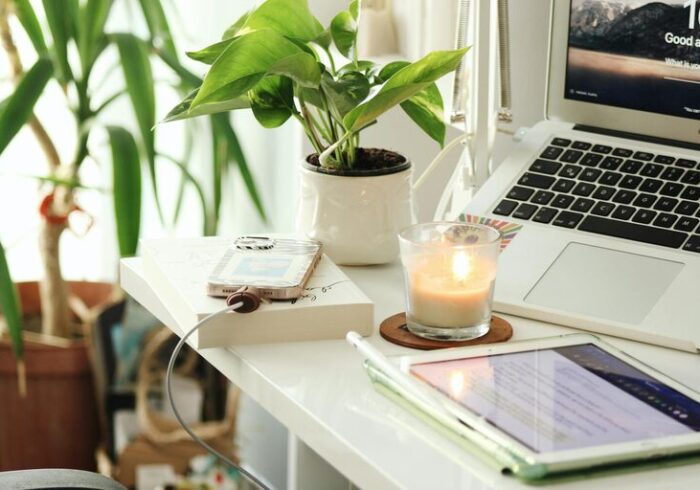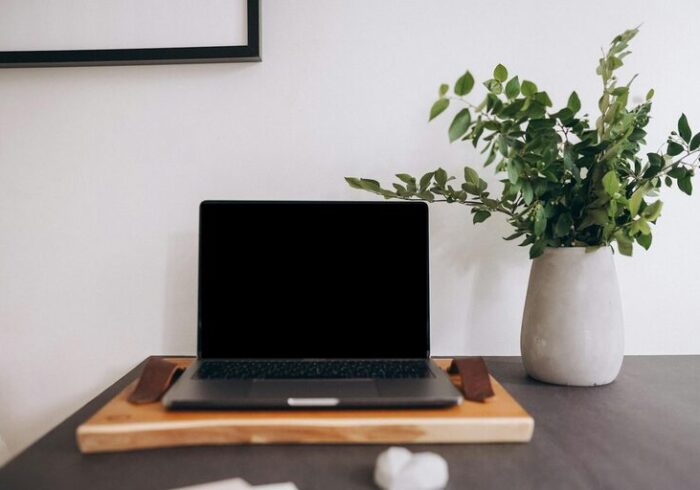

Creating a cozy and inviting home office space has become more important than ever, especially as many people spend hours each day working remotely. A well-designed workspace not only enhances productivity but also supports your overall well-being. Whether you have a dedicated room or just a corner in your living area, there are plenty of ways to make your home office feel comfortable and inspiring. This post will guide you through practical tips to transform your office space into a place you enjoy working in.
1. Choose the Right Location
Consider Natural Light
Placing your desk near a window lets you take advantage of natural sunlight, which can improve mood and reduce eye strain. If natural light is limited, opt for warm-toned artificial lighting that mimics daylight to keep the space bright and welcoming.
Minimize Distractions
Try to select a quiet, low-traffic area in your home. If that’s not possible, consider noise-cancelling headphones or soft background music to help you focus.
2. Invest in Comfortable Furniture
Ergonomic Chair
A supportive chair is essential. Look for adjustable options that promote good posture, reducing the risk of back pain and discomfort during long work sessions.
Functional Desk
Choose a desk that fits your space and your work needs. Adjustable or standing desks are popular for adding variety and encouraging movement throughout the day.
3. Personalize Your Space
Add Personal Touches
Use photos, artwork, or meaningful objects to make the space uniquely yours. Personal touches can boost motivation and make the environment feel more inviting.
Select a Color Scheme
Soft, calming colors such as blues, greens, or neutrals create a serene atmosphere. Avoid overly bright or harsh colors that can feel distracting.
4. Organize for Efficiency
Use Storage Solutions
Invest in shelves, baskets, and organizers to keep your desk clutter-free. A tidy space helps reduce stress and keeps you focused on tasks.
Cable Management
Keep wires neat with clips, sleeves, or under-desk trays. Managing cables prevents a messy look and keeps your workspace safe.
5. Incorporate Comfort Elements
Add Soft Textiles
A cozy rug, cushion, or throw blanket can make the room feel warm and comfortable, especially during colder months.
Bring in Plants
Houseplants improve air quality and add a touch of nature, which can enhance your mood and productivity.
6. Optimize Lighting
Task Lighting
Use desk lamps with adjustable arms and brightness levels to provide focused light for work.
Ambient Lighting
Soft, ambient lighting reduces eye strain and creates a cozy environment during early mornings or late evenings.
7. Keep Technology User-Friendly
Position Screens Properly
Place your monitor at eye level to avoid neck strain. Consider dual monitors if your work requires multitasking.
Use Quality Accessories
A good keyboard, mouse, and headphones can make your workday smoother and more enjoyable.
8. Set Boundaries and Inspiration
Define Work Hours
Having a clear start and end time helps keep work and personal life balanced, especially when working from home.
Create an Inspiration Board
Pin up quotes, goals, or vision images to keep you motivated and focused throughout the day.
—
Final Thoughts
Designing a cozy and inviting home office is about balancing comfort with functionality. Small changes like better lighting, comfortable furniture, and personal touches can make a significant difference in your work environment. Remember that your workspace should be a reflection of your style and work habits, encouraging you to be productive while feeling relaxed and happy at home. Start with these tips and enjoy a home office that feels just right for you.